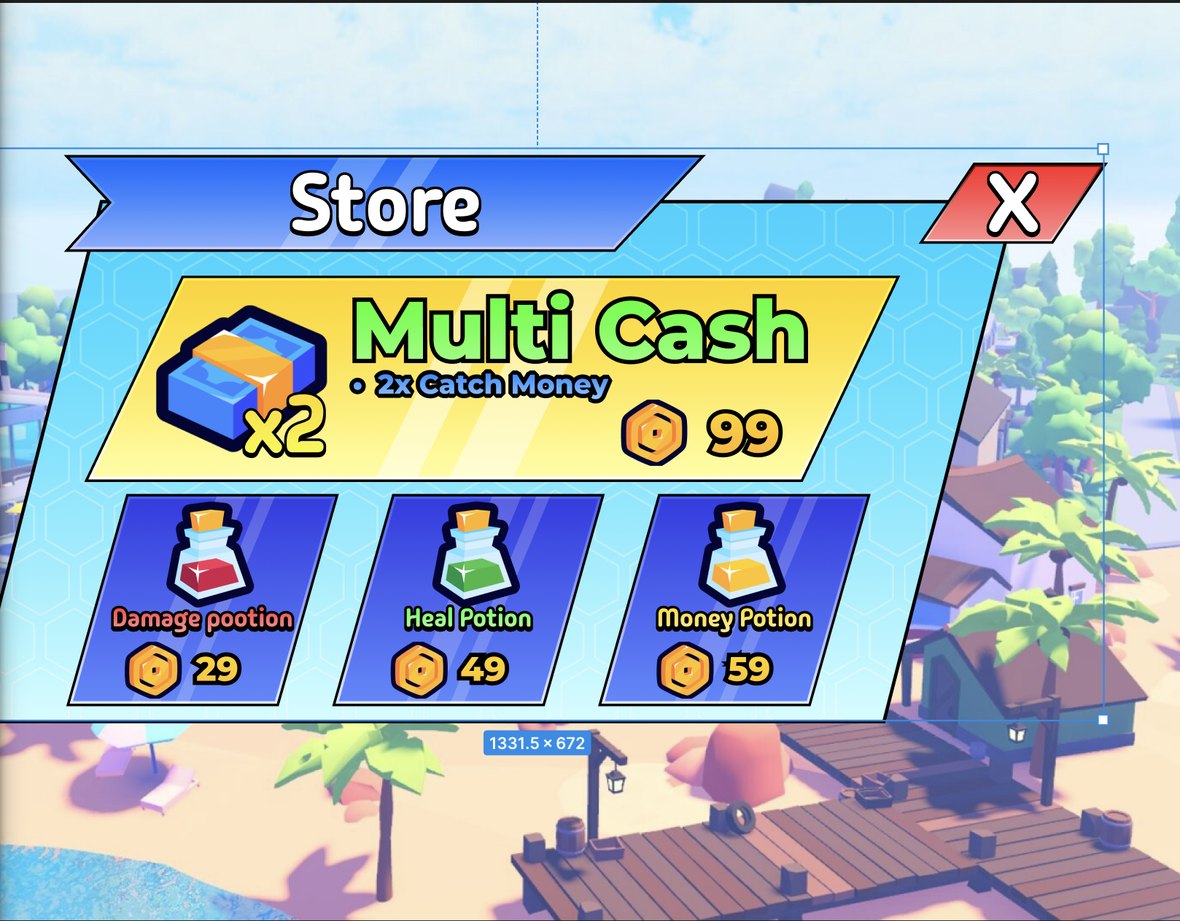
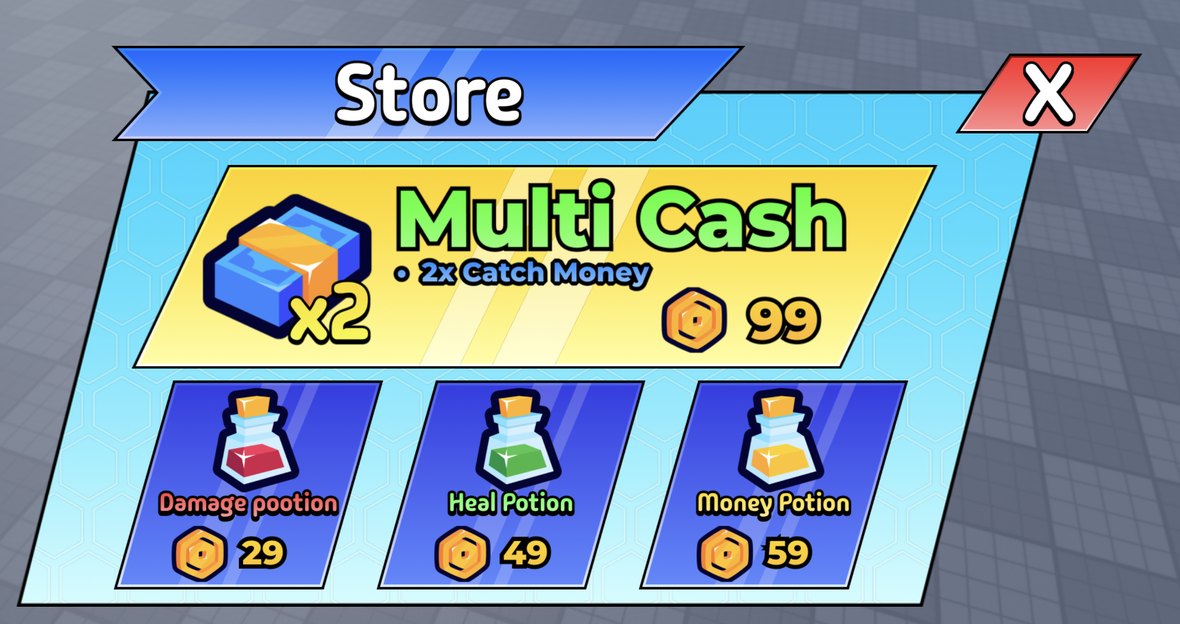
the text toggle, per layer
When Roblox has no matching font, you decide what happens.
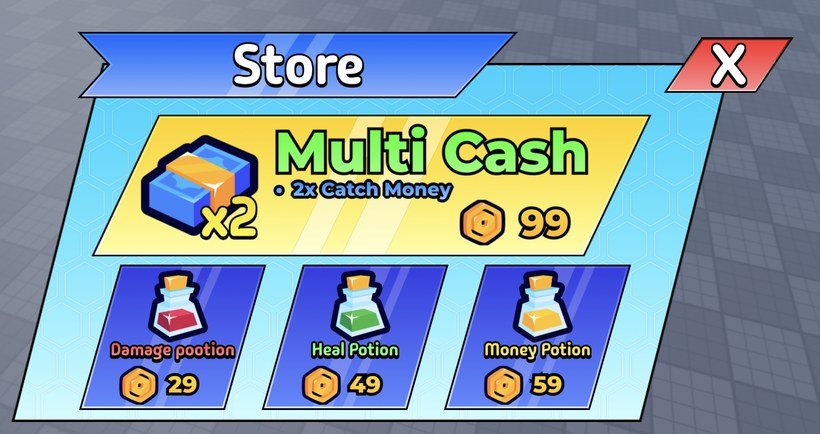
Custom-font or styled text comes through as a pixel-perfect image; plain text stays live and editable. You choose per layer — nothing is baked silently.
OFF
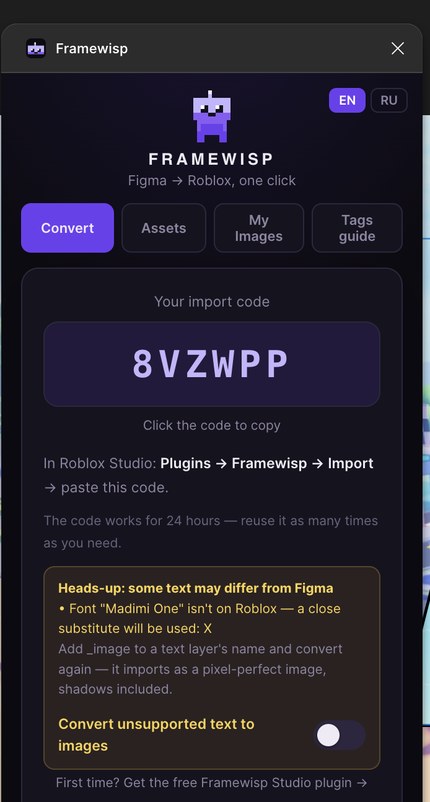
Live, editable text. Closest Roblox font, tweak it anytime.
 →
→
→
→
ON
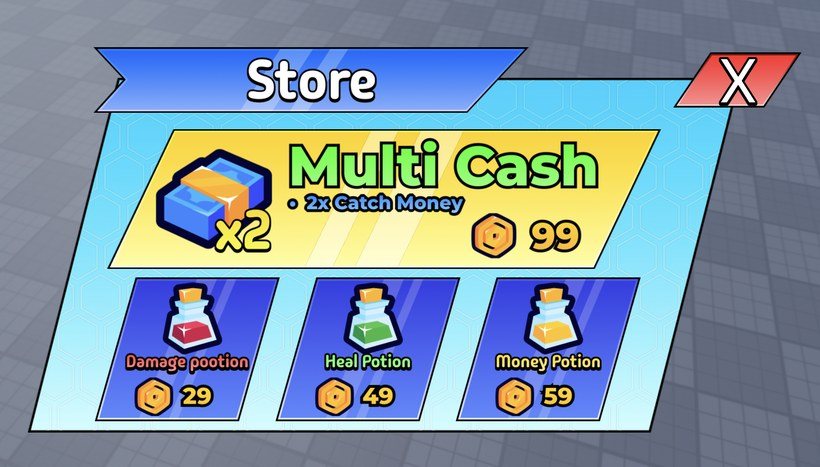
Exact font. Imported as a crisp image, pixel-perfect.
 →
→
→
→
OFF · closest font
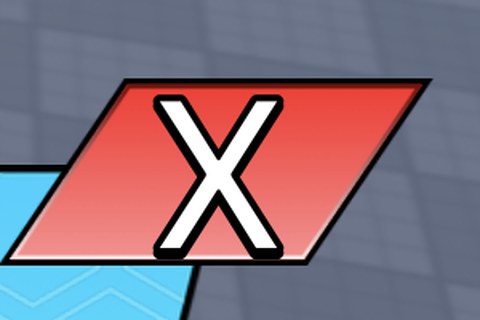
thin, substitute rendering — editable
ON · exact font
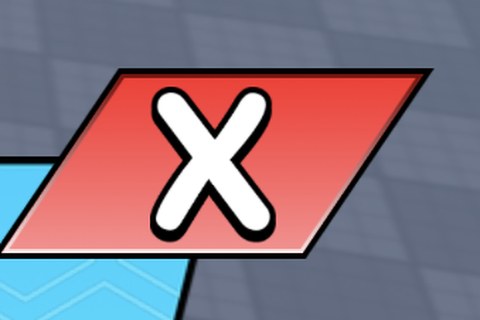
bold, exact original — pixel-perfect
Why only the X changes here — it's the only plain text layer in this design. Everything else (“Store”, “Multi Cash”, the prices) is styled graphics (gradients, textures, outlines) that Roblox can't rebuild natively, so it comes through as a pixel-perfect image either way. The toggle only affects live text whose font isn't on Roblox.
six things it does, four it does not
Geometry, styles and behavior transfer. Blend modes and auto-layout don't.
Corner radii stay proportional
Linear gradients, corner radii, UIStroke, rotation, masks and tiled textures arrive attached to the instance. Radii are proportional, so a rounded card is still rounded on a phone. Plain text stays a live TextLabel in the closest font.
One toggle keeps Studio in sync
Flip one toggle and your Figma edits land in Studio by themselves, seconds after you stop editing. Keep the plugin window open — Figma only runs plugins while their window is open. Re-import never touches your scripts.
Rename a layer, get a working button
Call a layer Shop_button in Figma and it arrives as a TextButton with hover and press already wired. Also _scroll, _panel, _tab:Shop, _close, and {Coins} for a label that updates live in game. You write no scripts.
_button
→ becomes a real TextButton
Play
_hover
_scroll
_open:Shop
_tab:Weapons
{Coins}
_nodim
Positions and sizes are Scale, not Offset
Positions and sizes come across as Scale values, with UIAspectRatioConstraint and text auto-scaling, so the layout survives a screen you did not design for.
A test suite checks the geometry
tested
Positions and sizes are verified by an automated geometry test suite, so accuracy is something I measure, not something I promise.
No API keys
Sign in with Roblox once and images upload straight to your own account — revoke access anytime. No API keys, no User IDs, nothing to install.
Behavior comes from the tags you type into layer names, not from Figma prototype links. Not supported: blend modes, auto-layout, Figma constraints and backdrop blur. Gradients on text bake into an image, and some effects are approximated.
Pro free for 7 days — no cardAnd when the week ends you land on Framewisp Free, not on a paywall →
$0
FREE FOREVER
5 conversions a day, up to 15 images each — pixel-perfect layout, text, colours, strokes, scrolls and grids. No card, no expiry.
Motion, buttons, live data and the libraries are Pro.
everything you convert keeps
working in your game, forever
MONTHLY
$5/mo
cancel anytime
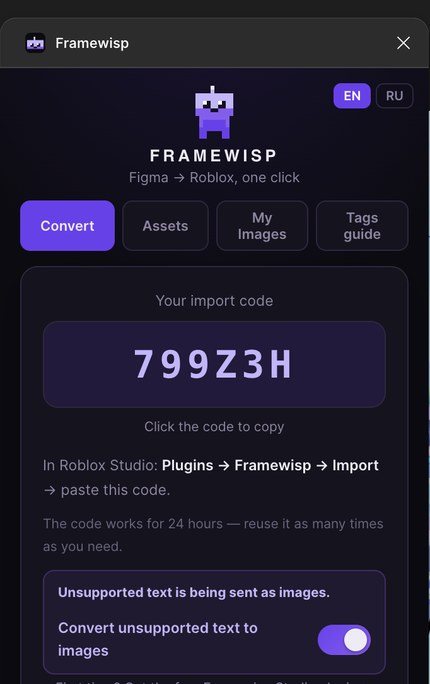
✓Import with a 6-character code
✓Auto image upload to your Roblox account
✓Live sync — edit in Figma, Studio updates itself
✓Studio editor — move, resize and retype elements
✓Tags: buttons, states, scrolls, live data
✓Responsive UI: Scale + AspectRatio
✓Free updates
Buy Framewisp
Most popular
YEARLY
−67%
$45/yr
$60 by monthly — you pay $45
✓Import with a 6-character code
✓Auto image upload to your Roblox account
✓Live sync — edit in Figma, Studio updates itself
✓Studio editor — move, resize and retype elements
✓Tags: buttons, states, scrolls, live data
✓Responsive UI: Scale + AspectRatio
✓Free updates
Buy Framewisp
LIFETIME
∞
$49 once
pay once, keep it forever
✓One payment — no subscription
✓Import with a 6-character code
✓Auto image upload to your Roblox account
✓Live sync — edit in Figma, Studio updates itself
✓Studio editor — move, resize and retype elements
✓Tags: buttons, states, scrolls, live data
✓Responsive UI: Scale + AspectRatio
✓Free updates
Buy Framewisp
Building as a studio? Team plan — $15/mo for 5 seats. Pick "Team" at checkout.